
An expired key can stop a release job or a recipient install. PrivateNPM includes health filters and expiry reminders for registry keys.
Review keys before expiry
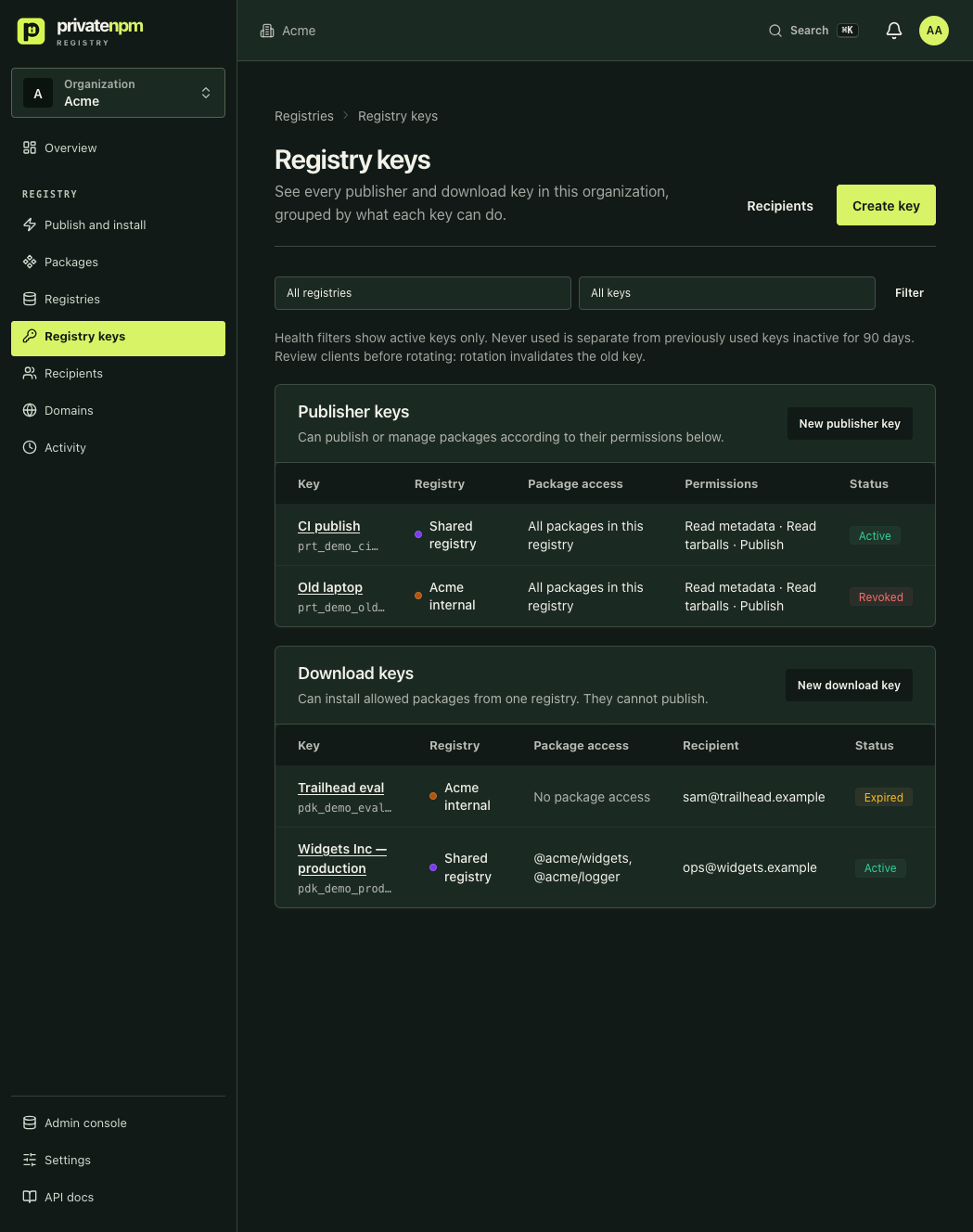
- Open Registry keys.
- Select Expires within 7 days in Key health.
- Select Filter.
An hourly job checks active keys with a lifetime greater than one day. It can notify verified organization administrators seven days and one day before expiry. Notifications identify the key and expiry date. They contain no secret.
The job prevents duplicate reminders for the same key, expiry date and reminder window. It checks the current key state before delivery. Short-lived trusted publishing keys do not receive these reminders.
Distinguish unused keys from old activity
Other filters show active keys with no expiry, keys last used more than 90 days ago, or keys with no recorded use. A new key with no use belongs in the last category. You can combine a health filter with a registry filter.
Replace keys with a controlled transition
Rotation invalidates the previous key immediately. For an overlap period, create a separate restricted key first. Configure each client with the new key. Test a fresh request before you revoke the previous key.
Reminders do not rotate or revoke keys. Notification preferences affect delivery. For CI releases, consider trusted publishing instead of a stored publisher key.